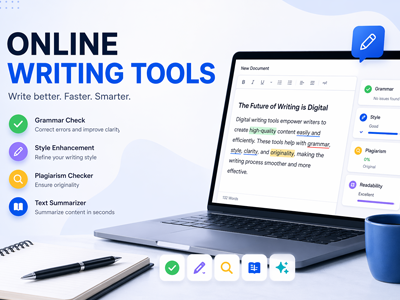

Today, the modern writer can no longer rely on just a word processor and a thesaurus. Whether you are a student wrestling with a thesis or a business professional crafting a marketing report, the pressure to produce high-quality, original, and SEO-friendly content is immense. The good news? A new wave of sophisticated AI-powered and free tools has leveled the playing field, making top-tier writing assistance accessible to everyone. In this post, we’ll explore the best completely free and freemium tools that serve writers at every stage of the process.
📝 Writing and Editing: From Draft to Polished Pro
The first step to great writing is getting the words right. These tools help with everything from grammar checks to style improvements.
- Grammarly is the industry standard for grammar checking. Its powerful free version catches spelling, punctuation, grammar, and tone errors. It integrates seamlessly with MS Office and Google Workspace, making it a go-to for business reports and academic papers.
- LanguageTool is the best open-source Grammarly alternative. It supports over 30 languages (Grammarly only checks English), which is critical for non-native speakers or companies with global teams, and offers a privacy-focused, self-hostable option.
- ProWritingAid goes beyond grammar to teach you to be a better writer. Its free version is a robust checker, but it truly shines with its in-depth reports on writing style, readability, and even comparisons to famous authors’ styles.
- Hemingway Editor helps you write with punch and clarity. It highlights hard-to-read sentences, passive voice, and adverbs, forcing you to simplify your prose, which is perfect for web content, blog posts, and business writing.
- QuillBot is your secret weapon against writer’s block. It’s a paraphrasing tool that helps you rephrase sentences, find better vocabulary, and avoid repetition, all while checking grammar and detecting plagiarism.
- Harper is the developer’s choice for a private grammar checker. It’s a free, open-source tool that runs locally in your browser, meaning your data never leaves your device—a huge privacy win for those working with sensitive documents.
📚 Research and Citation: Mastering the Literature Review
For academics, a solid argument relies on solid research. These free tools make organizing citations a breeze.
- Zotero is the top pick for advanced reference management. A favorite at universities, it’s a desktop and online tool that captures citation data from web pages with one click, organizes PDFs, and supports over 9,000 citation styles, including automatic bibliography generation in Word and Google Docs.
- Mendeley is a solid all-rounder with a focus on collaboration. Like Zotero, it collects references and PDFs but offers a more modern interface and social networking features for researchers to discover and share papers.
- Google Keep is an excellent tool for the brainstorming phase. As a lightweight note-taking app, it helps you organize research snippets, images, and voice notes. It’s the perfect place to dump ideas before they become sentences.
🚀 Productivity and Project Management: Taming Your Workflow
Writing is as much about managing a project as it is about stringing words together. These tools help you stay on track.
- Trello is the king of visual task management for creatives. Its Kanban board system lets you organize content pieces by status (Idea, Drafting, Editing, Scheduled), making it ideal for freelance writers or large corporate content teams.
- Asana is a more structured project management power tool. It offers list, board, and calendar views, allowing for complex task dependencies—perfect for managing a marketing calendar with multiple stakeholders and strict deadlines.
- FocusWriter is the ultimate minimalist writing app for getting in the zone. It blocks out all distractions by hiding your desktop, taskbar, and toolbars to give you a clean sheet of paper, helping you focus on word count.
📈 SEO for Writers: Getting Your Content Found
If your writing doesn’t get found on search engines, it doesn’t exist. These free tools help business writers master SEO and content marketing.
- Google Search Console is the absolute essential SEO tool. It provides direct data from Google, showing you which queries bring users to your site, your average ranking, and your click-through rates, forming the bedrock of any SEO strategy.
- AnswerThePublic is a non-negotiable tool for keyword research and uncovering user intent. It visualizes the questions people ask around your keyword, offering a goldmine of topics for blog posts and FAQs.
- Ubersuggest is a fantastic freemium tool for content ideas and competitor research. Developed by Neil Patel, its free version gives you a look into keyword volume, SEO difficulty, and even your competitors’ top pages to give you a strategic edge.
🔎 Plagiarism Checkers: Protecting Your Originality
In academics and business, originality is non-negotiable. These tools ensure your work is unique.
- Grammarly’s free tier includes basic plagiarism checking. It’s a convenient way to scan your document for potential matches across billions of web pages as you write.
- Duplichecker is a simple, user-friendly tool. It’s completely free (with daily limits) and uses AI-powered technology to detect both exact matches and paraphrased content, perfect for a final check before submission.
Read Also: Top AI Tools to Boost Your Creativity and Productivity
⚖️ Feature Comparison: The Free Tier Face-Off
Deciding on a tool often comes down to the specific limits of its free plan. To help you choose, here’s a breakdown.
| Tool | Core Use | Free Tier Key Features | Notable Limitation in Free Plan |
| Grammarly | General Grammar & Style | Critical spelling/grammar checks, tone detection, browser extension | Only “basic” suggestions; no full-sentence rewrites or plagiarism detection |
| LanguageTool | Multi-Lingual Editing | Check grammar/style in 30+ languages, open-source, privacy-focused | Limited to 20,000 characters per check in online editor |
| ProWritingAid | In-Depth Style Analysis | Real-time grammar/style checking, limited in-depth reports | 500-word limit for style reports, some advanced features locked |
| QuillBot | Paraphrasing | Two paraphrasing modes (Standard, Fluency), 125-word limit per use | Only one paraphrasing mode (two in free); advanced modes locked |
| Zotero | Reference Management | Store up to 300MB of PDFs, unlimited references, 9000+ citation styles | Cloud storage for PDFs is quite limited compared to paid versions |
| Trello | Workflow Management | 10 boards per Workspace, unlimited cards, 250 automations per month | Lacks Gantt charts & calendar views; limited users in team plan |
| FocusWriter | Distraction-Free Writing | Full-screen mode, customizable themes, goal tracking | Limited to writing; lacks advanced editing or research features |
❓ FAQ: Your Tool Questions, Answered
Q: Can I rely solely on the free version of AI writing tools for academic papers? A: For initial drafts and proofreading, yes. But for rigorous academic standards (i.e., using non-native language, publishing in top journals), you may find the premium features of tools like Grammarly or Wordvice AI beneficial for advanced style and technical suggestions.
Q: How do I choose between Zotero and Mendeley for my PhD dissertation? A: Zotero is generally recommended for its superior stability, better Word Processor plugin, and full support for advanced citation formats like BibTeX for Overleaf. Mendeley has a cleaner interface and better social features but can be glitchy with very large libraries.
Q: Are free plagiarism checkers as reliable as paid ones for business reports? A: Free tools like Duplichecker are excellent for catching accidental plagiarism from the open web. However, for corporate or legal work, a paid subscription to a tool like Copyscape offers more comprehensive database checks and file security.
Q: I’m a business owner writing my own web copy. Which free tool will make the biggest difference? A: Start with Hemingway Editor. It will instantly make your writing clearer and more direct. Then use Google Trends and AnswerThePublic to ensure you’re writing about topics your customers are actually searching for.
💎 Conclusion: Your Writing Workspace, Upgraded
You don’t need a six-figure software budget to write like a professional. By leveraging the free tools covered in this post—from the grammar-checking power of Grammarly and LanguageTool to the research management of Zotero and the keyword wizardry of AnswerThePublic—you can build a writing workspace that rivals any paid suite.
The key is to experiment. Try out a few tools from each category and see which ones fit seamlessly into your workflow. The goal isn’t to use every tool but to find the combination that helps you write better, faster, and with more confidence.
Now it’s your turn: Which free tool are you most excited to try? Share your thoughts in the comments below!
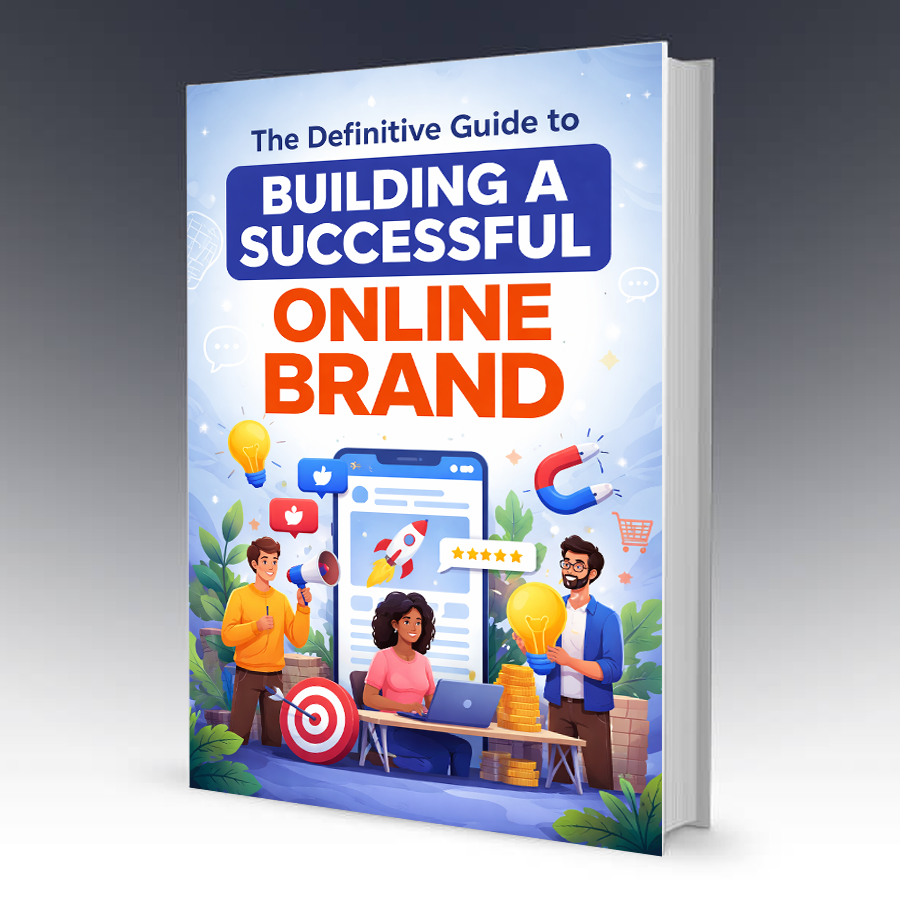
Grab an Online Brand Building Guide eBook
The Definitive Guide to Building a Successful Online Brand is your step-by-step roadmap to creating a powerful digital identity that attracts attention, builds trust, and converts followers into loyal customers.